Read time: 3 Min
Outlook creates OST file that is stored on the user’s computer and used to work in offline mode. The changes made during offline mode are synced to the Exchange Server once the connection is established. But what will happen when your Exchange profile is deleted, or you move to a new system? You can see your data, but you can’t open OST emails in Exchange Server.
This situation is faced by many users who are unable to import OST to Exchange Server. For all those users, this post is tailored by step-by-step process of OST to Exchange migration.
Why Need to Import OST to Exchange Server?
Importing OST emails into Exchange Server is not a simple task. Before learning about the process, it is essential to understand why we need to import OST to Exchange Server.
- If the user’s Exchange account got deleted and the important emails are still in OST file. In that case, the user wants to create a new Exchange account and wants to import OST file into it.
- When the organization is moving from one Exchange account to another, and needs to bring old data as well.
- All of a sudden, your Outlook profile stopped working or became corrupted, and all your data is locked up in an OST file.
- For some reasons, like backup, legal, or audit your email, accessing the OST file is not possible. After importing it into Exchange Server, you can easily open your emails.
How to Import OST Emails to Exchange Server Account?
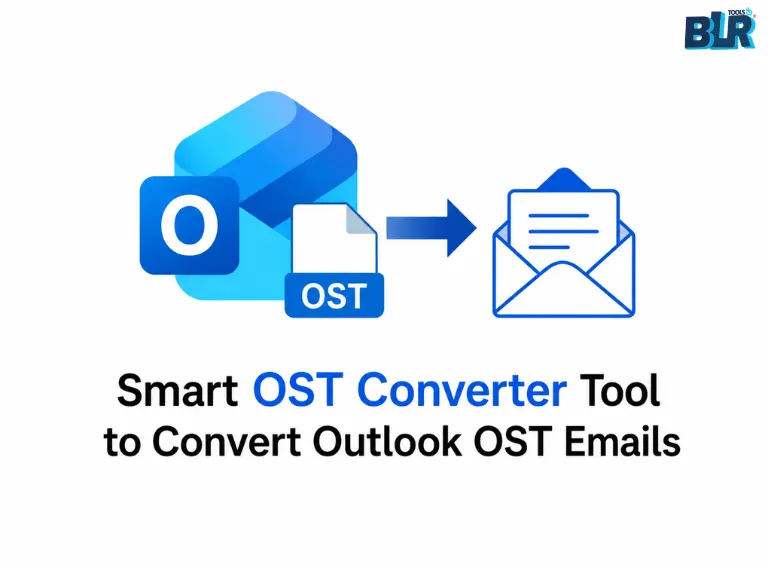
Importing an orphan OST file is not possible manually. However, with the help of the BLR OST to PST Converter Tool, it is easy to complete the OST to Exchange migration in a few simple clicks. The process is simple: add the OST file >> choose the email folders >> select Exchange Server, and lastly enter the login details to start the importing.

Download the tool for free and check the easy steps for OST to Exchange Server migration.
Why Use Professional Solutions for Migration?
With this BLR OST to PST Converter tool user can:
- Directly import OST to Exchange Server with complete data.
- Maintain email folder and sub-folder hierarchy and structure.
- Date range filter to import selective emails only.
- Allow to import OST to Office 365, Gmail, and many other webmail accounts.
- Import corrupted, damaged, and inaccessible OST file without any hassle.
- Also convert OST to PST, PDF, CSV, and all other file formats.
- Allows selection of specific email folders and imports only those.
- Preserve email key elements and attributes while importing your email.
- Allows the user to import too large OST file without affecting their emails.
Conclusion
Users often face difficulties when importing OST file to Exchange server if the original profile is not accessible or the OST file is corrupted. With the help of a professional OST to PST Converter software, users can overcome these challenges. It enables secure transfer, preserving complete email data and folder structure in a secure environment, dismissing any data loss.