Read time: 3 Min
MBOX is a common file format that is used by many email clients for data backup. However, you can’t directly import MBOX file into MDaemon WebMail. Therefore, there needs to be a proper method to perform the import. In this post, we will explore the most effective and secure ways to complete the task.
Reasons to Import MBOX File to MDaemon Mail
- Importing MBOX data into MDaemon helps you manage old and new emails from a single mailbox.
- MDaemon provides strong security, spam filtering, and better admin control than many desktop MBOX programs.
- Emails in MDaemon WebMail can be opened anytime through a web browser, unlike locally saved MBOX files.
- Storing data on the server lowers the chances of losing emails because of crashes or accidental deletion.
Import MBOX to MDaemon Account for Free
To manually upload MBOX file into MDaemon you need a MBOX supported email client. Here we will use Thunderbird and import the MBOX file into MDaemon mailbox. Here are the steps for that.
- If you are already using Thunderbird, then add the MDaemon mail account.
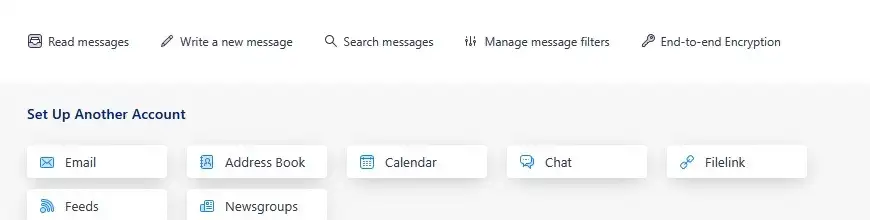
- If not, then install and run the Thunderbird application on your system. After that, configure the MDaemon email account.
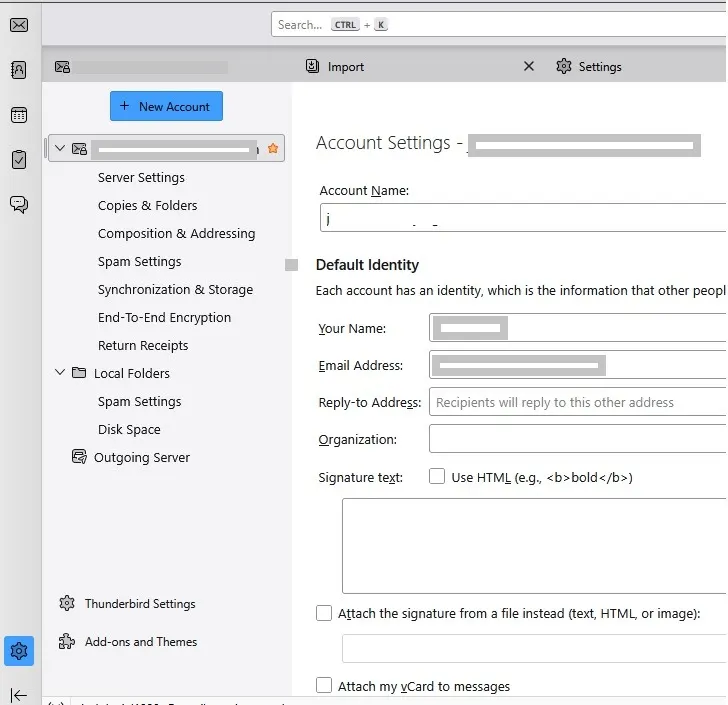
- Then, click on Import and upload the MBOX to Thunderbird mailbox.
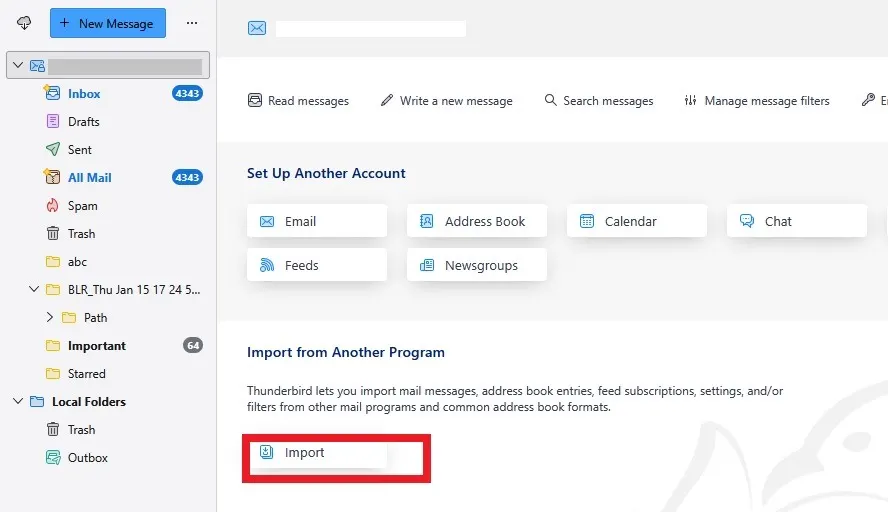
- After importing, move the MBOX file into the MDaemon mail account.
Done. Here is the complete MBOX to MDaemon migration. However, this manual solution has drawbacks.
- Users can lose important data if they miss a single step.
- Multiple steps and email clients are needed to import MBOX files into MDaemon.
- The email structure can be lost in the free method.
- Technical users can only use this method easily.
Direct Way to Import MBOX to MDaemon Account
With the BLR MBOX Converter tool, you can easily complete the import in a few simple clicks. The software offers you an option to import multiple MBOX files into MDaemon mailbox at once without any data loss. Additionally, you can also choose the specific folders or emails by date range and import them only.

Moreover, using this mbox to pst tool, you can also import MBOX to Gmail, Office 365, Exchange, and IMAP Servers. Download the demo version of the tool and analyse how it works.
Conclusion
In this step-by-step guide, we discuss the easiest way to import MBOX to MDaemon WebMail account. While a free method is available, it is mainly suitable for migrating one or a few mailboxes. But if the MBOX file is large or you have multiple MBOX files, a professional solution is the smarter choice.
A reliable MBOX Converter tool can quickly import MBOX emails, along with attachments and folder structure, without risk of data loss. Now choose the solution based on your requirements.