

Read time: 3 Min
Email communication plays an important part in today’s world weather it is for personal use or business needs. A major participant in this field is Microsoft Outlook, which is liked by both personal users and Businesses worldwide. Outlook uses a PST file to store emails, contacts, calendars, notes, journals, etc. The PST file is stored on the user’s system and can be accessed only with the Outlook application. Sometimes a user needs to access PST emails outside the Outlook environment. In such a scenario, a need to convert PST files to different format that is easily accessible arises.
Why do we need to convert PST Files?
There are different needs for converting Outlook PST files based on the user’s requirements. A few of the common reasons are:
- PST files can be accessed only with the Outlook application. Saving PST to MSG, HTML, or EML format allows users to access emails without installing Outlook.
- Different email clients use different formats for saving emails. When a user decides to migrate away from Outlook to any other email client, it is required to convert the PST file to a different format.
- Saving PST emails to HTML or PDF allows users to back up and archive emails.
- PST files are not the perfect format for sharing emails; users can convert emails to PDF or EML format as they save emails individually, making it easier to share emails.
Convert Outlook Emails to MSG Format
MSG format stores each email and its attachment individually in a single file, thus making them easier to manage and share. To convert PST to MSG format, follow the steps:
- Open Outlook.
- Right-click on the email to convert.
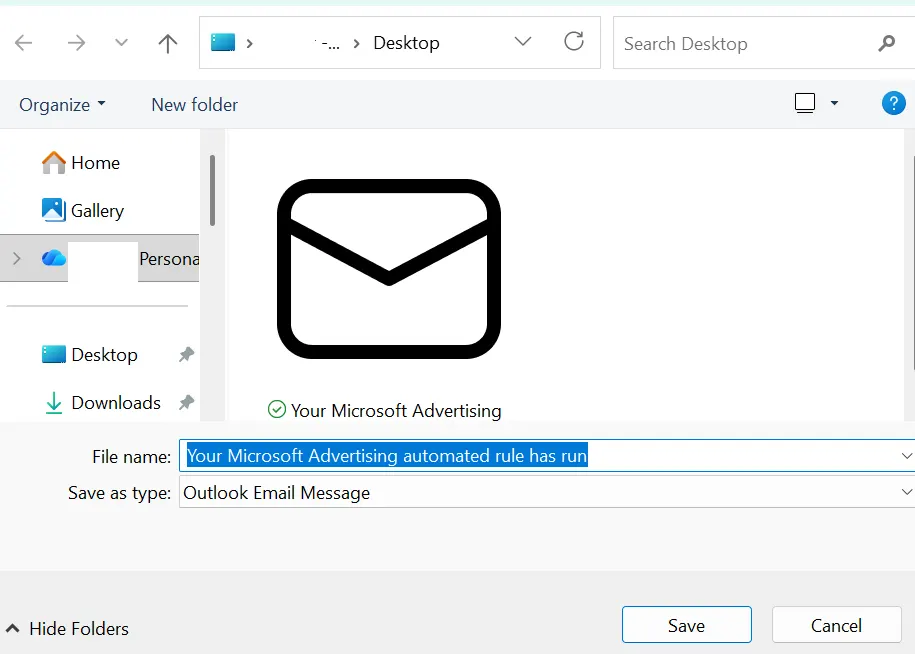
- From the options, click Save As.
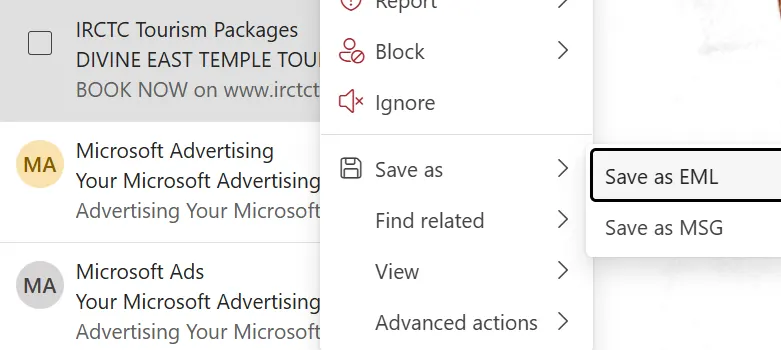
- Click Save as MSG.
- Choose a file name and select the destination.
Convert PST Emails to PDF Format
Users prefer to convert PST to PDF for security, easy accessibility, and long-term backup and archive purposes. The complete process to convert PST emails to PDF format is as follows:
- Open Microsoft Outlook.
- Click on the email you want to save to PDF format.
- Click on the File Menu.
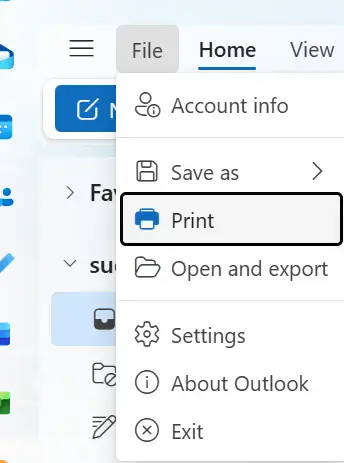
- Click Print.
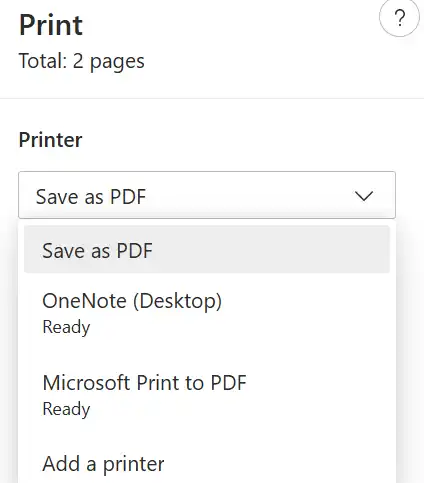
- From the options, choose Save as PDF and click Save.
- Choose the destination where you want to save.
Convert PST to CSV Format
For data analysis, users prefer to save email data to CSV format that can be accessed with MS Excel or Google Sheets. The complete process to convert PST to CSV is explained below:
- Open MS Outlook.
- Click on the File menu, select Open & Import, and click Import/Export.
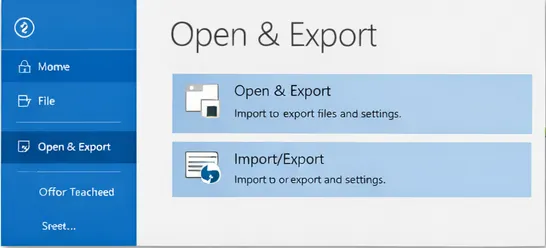
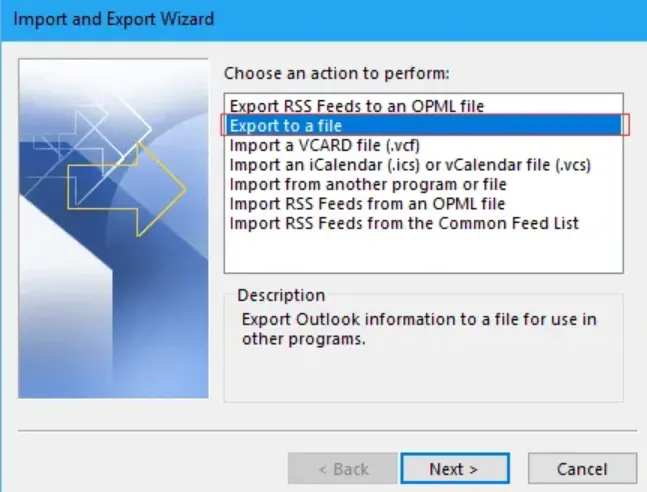
- Select Export to a file.
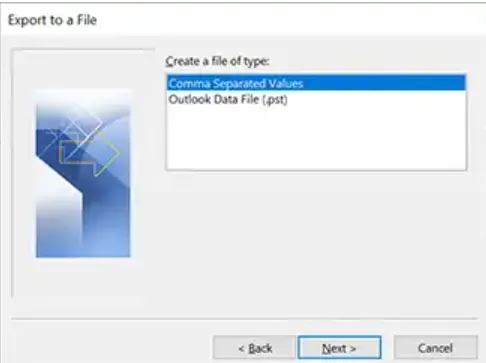
- Select Comma-Separated Value (CSV) Format.
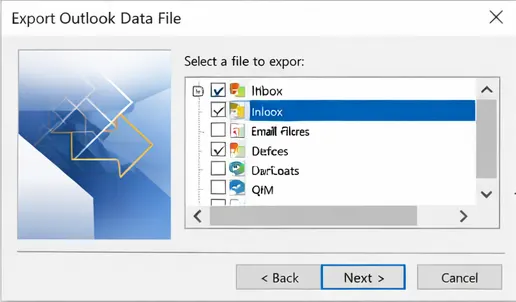
- Now, select the Folders you want to convert.
- Select the destination to save the CSV file.
Convert PST files via PST Email Converter Tool
We have discussed a few of the manual methods to export PST files to different formats. Though all the methods discussed are easy to process and are free, they have some limitations. These manual methods may work perfectly for a small number of emails, but if you have a large number of emails to process, this turns out to be a hectic task. To avoid such situations, using a professional PST Converter application is a better choice. BLR PST Converter is one such good software that allows you to save PST emails to multiple formats. The software makes sure the original properties and formatting of emails are not lost during conversion. The professional PST Conversion software allows users to convert multiple PST files at the same time while keeping the folder structure intact.
Bottom Line
Whether you work in IT seeking efficiency or are a regular user wishing to do the conversion on your own, knowing how to convert Outlook PST Files is essential. Although the manual methods described in this article are easy to follow, they are time-consuming and require good technical knowledge. Take the help of automated Outlook PST mail converter software for a quicker and easier way to convert Outlook PST files.