

Read time: 3 Min
When we delete a file, it is moved to the Recycle Bin, from where we can restore it. But when we permanently delete a file using the Shift+Del key, it bypasses the Recycle Bin. The space where the file is located is marked as free and is ready to save new data. So whenever we delete a file accidentally, it is recommended to stop using the device further to increase the chances of recovery. The tool scans the hard disk and recovers deleted files like photos, videos, files, folders, emails, etc. We have listed the top 5 free data recovery software in this blog. We have sorted these tools based on their features and recovery capabilities.
List of the Best Free Data Recovery Software
1. BLR Windows Data Recovery
I recently tried BLR Windows Data Recovery software, and I can say that it worked perfectly for me and exceeded my expectations. The interface of this tool is easy to navigate, even if the person performing data recovery for the first time can easily operate this tool. Using the software, I managed to recover lost data from a formatted hard drive.
The feature that I liked the most was the deep scan, which took some time but recovered all my data with accuracy. The recovered files are free from any corruption and open fine.
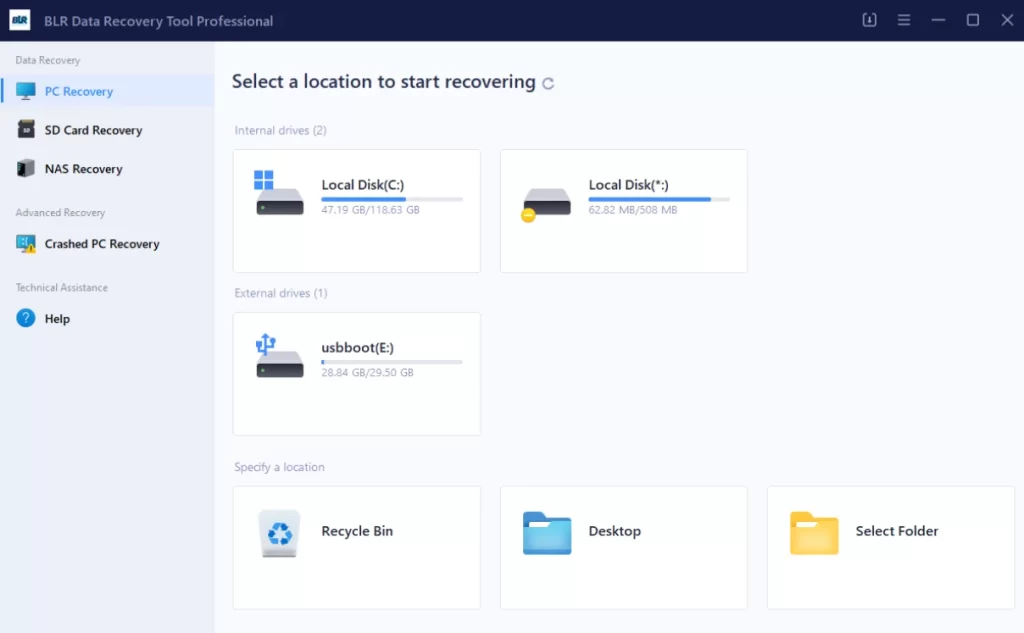
Another wonderful aspect of this program was the ability to scan and retrieve data from both NTFS and FAT file systems. I felt that the procedures explained systematically throughout the recovery process put me in charge of various processes.
In total, I would suggest that anyone who is facing issues such as deletion, formatting, or corruption of the data storage device use this data recovery software. It is a simple-to-use tool that guarantees good performance and is therefore a necessity for data and memory protection.
2. Recuva
Recuva is undoubtedly the best free data recovery software tool out there. It is very intuitive to use, but has various optional/extraordinary functions too. It supports hard drive recovery, external drive including USB drives, DVD, CD recovery, and memory cards. Many programs apply the iPod files undelete feature, and this program can do it too!
Recall, to delete a file is rather simple, and undeleting a file is as simple as deleting one! If you ever need to get a file back, the first thing I would advise you to try is Recuva.
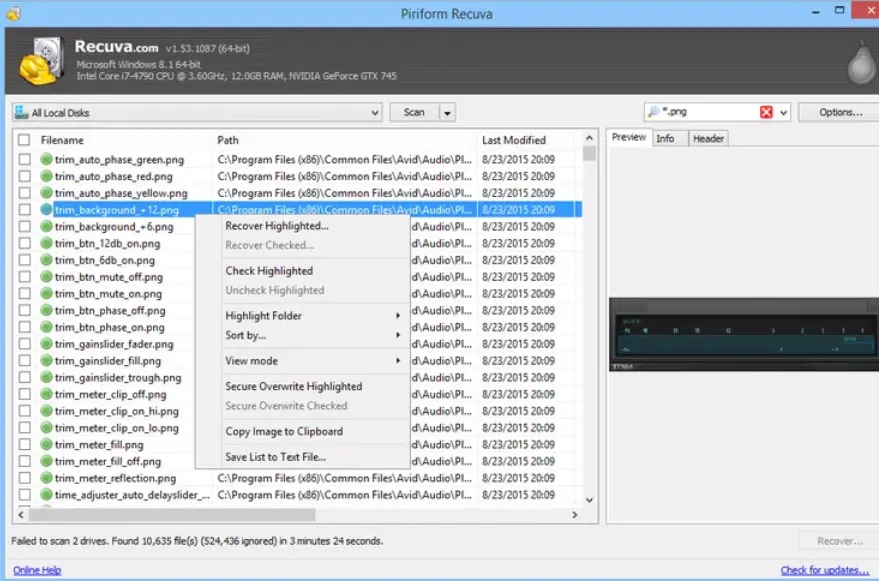
The free app from Piriform also works on Windows 11, 10, 8, 8.1, 7, Vista, XP to undelete lost files.
3. EaseUS Data Recovery Wizard
EaseUS Data Recovery Wizard is one of the most popular and free-to-use data recovery software for Windows users. Its simple and user-friendly interface allows even a novice user to recover lost data. Unlike undelete or other similar utilities, EaseUS Data Recovery Wizard will recover data from USB drives, optical drives, memory cards, iOS devices, cameras, and pretty much anything else that Windows sees as a storage device. Oh yes, it also does partition recovery!
With EaseUS’ program, you are allowed to recover a maximum of 2GB of data for free. I nearly did not include this program because of that restriction, but as most situations fail, undeleting much less than that, I will overlook this one. So, while this program will be helpful several times, or less than that if the file is large. Fortunately, there are close to two dozen other choices left in this list!
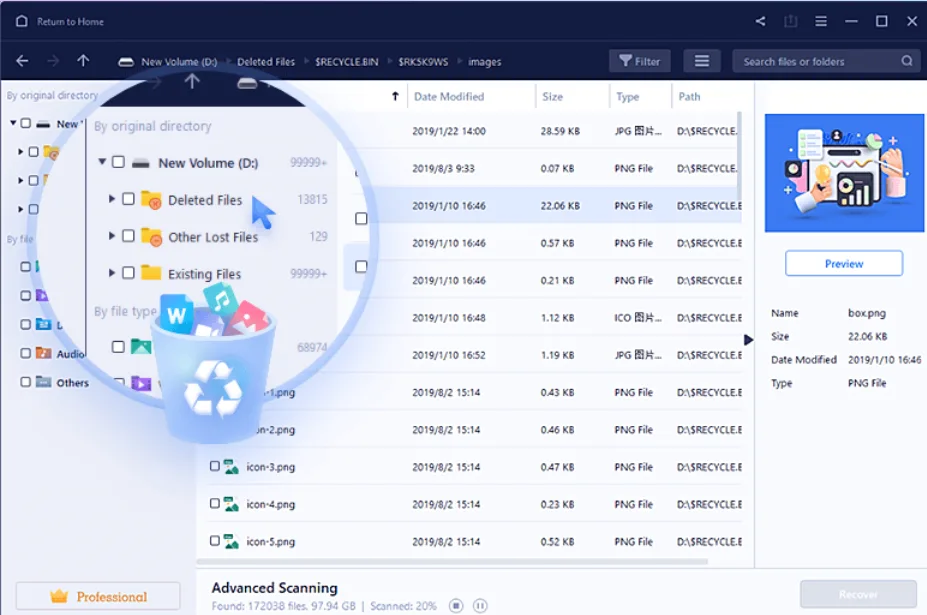
File recovery wizard compatible with Windows 11/10/8/7, and Windows Server 2022, 2019, 2016, 2012, 2008, 2003.
4. Disk Drill
Disk Drill is one of the most powerful data recovery software, it supports both Windows and Mac operating systems. There are a few things worth mentioning as to why Disk Drill is one of the best free data recovery software, and not only because of the list of options: the software interface is very clear and easy to understand, and it seems almost impossible to get lost.
On their website, Disk Drill claims to work on data recovery on virtually any data storage device, including internal and external hard drives, USB devices, memory cards, and iPods.
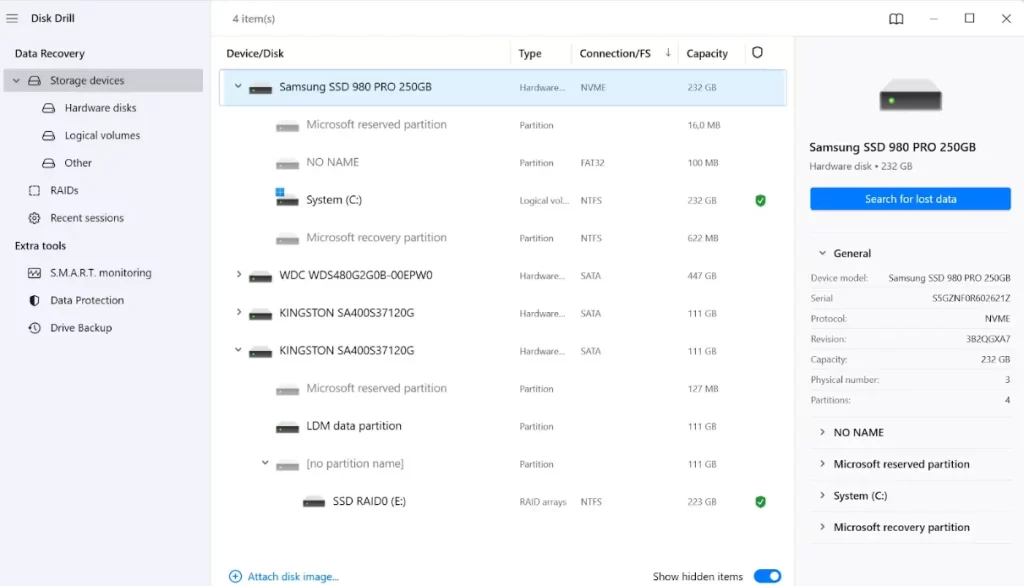
It has several useful features, like previewing files before recovery, selective recovery, pause scan, and coming back to it later. It can recover the partition, back up the entire drive, and filter your results by date or file size. Users can also opt for a quick scan instead of a full scan to speed things up and save their scan results to reuse them for the recovery of deleted files in the future.
Of course, there is one problem, as it allows free recovery of up to 500 MB only, which is not enough. The newest release supports 64-bit Windows 11 and Windows 10, as well as macOS 10.15 and later. The previous forms will run on current and past operating systems such as Windows 8, 7, Vista, and XP.
5. Wise Data Recovery
Wise Data Recovery for Mac is an advanced undelete tool for Mac systems. It is a great software as it installed rather fast and the scan was done very fast as well. It can also search for deleted files on different types of USB peripheral storage devices. I also like the instant search function for finding files deleted by the program, and there are simple and advanced search options: quick and full.
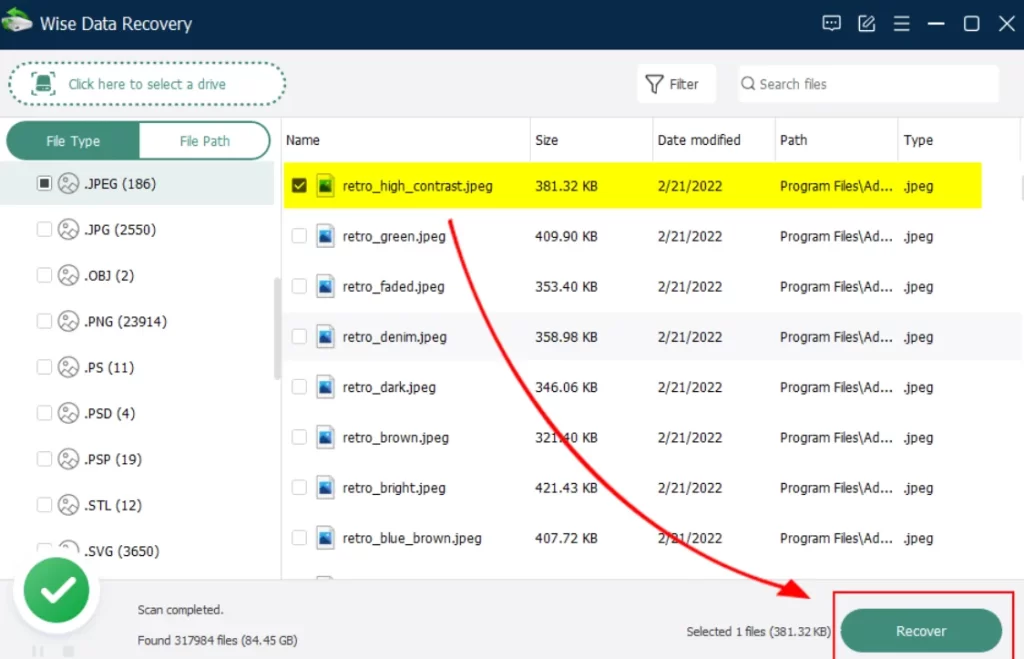
The strategy found in most programs is that of informing you just how recoverable your lost file is when you are trying to undelete it. This program does not do that; I wish it did, though. It also provides you with a restriction that you cannot undelete more than 2 GB of data at a time.
It is also stated that this app works with Windows 11, 10, 8, 7, Vista, XP, and Mac OS.
Conclusion
Data loss is a very tricky situation, but using the right recovery software can help users to recover important files. Data recovery tools like BLR tools, EaseUS, Disk Drill, Wise Data Recovery, and Recuva offer powerful recovery features for Windows and Mac users. If you are looking for a simple and easy-to-use tool, you can use the BLR Windows Data Recovery software. Moreovers users can also recover overwritten files using file history backup or previous version features provided in Windows.