Read time: 4 Min
EML is one of the widely used email formats supported by email applications like Apple Mail, Thunderbird, and Windows Live Mail. In contrast, Outlook uses PST format for storing email data. Although EML files can be opened in Outlook individually, bulk handling is not supported. In this blog, we will explain different methods to convert EML to PST manually.
Why Convert EML to PST File?
The primary reason why users convert EML to PST files is to move from an EML-supported email client to Microsoft Outlook. Additionally, many users backup EML data into PST format on their local drive for better accessibility and to avoid potential issues in the future. Apart from these, there are several other common benefits of converting EML to PST files, which are discussed below.
- You want to consolidate your email accounts that use different file formats under a single PST file format. For this, simply converting your EML files to PST format will work.
- You want to archive your email data, but do not want to encounter access issues in the future. Converting your files to PST format is considered best for archiving.
- You want to integrate data with other Microsoft Office applications. PST files are seen to integrate better with Microsoft applications.
- You have a large amount of email data, which is difficult to manage; converting to a small-sized PST file format can be considered.
- You want advanced features that allow you to organize your email better, set up email rules, and more.
In short, to benefit from better file management capabilities, seamless integration, and improved handling of multiple file formats, converting EML files to PST format is essential.
2 Free Methods to Convert EML to PST Manually
The manual conversion of EML to PST can be done in two ways: using Windows Live Mail or using Thunderbird. It is the choice of the user which method he or she wants to follow. Both methods to convert EML to PST manually are explained in detail below:
Method 1: Convert EML to PST Using Thunderbird
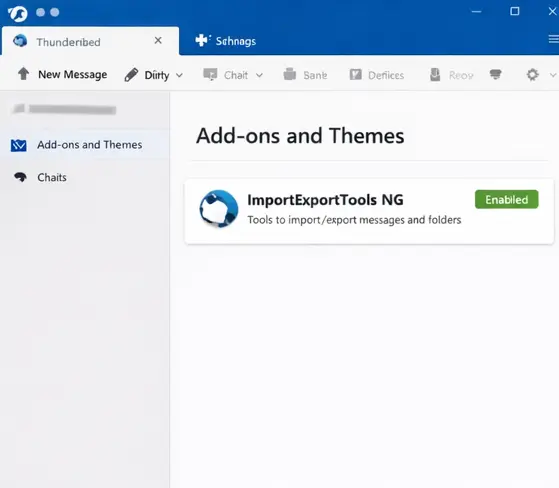
- Open Thunderbird & navigate to Add-ons > Themes and install Import/Export Tools NG extension.
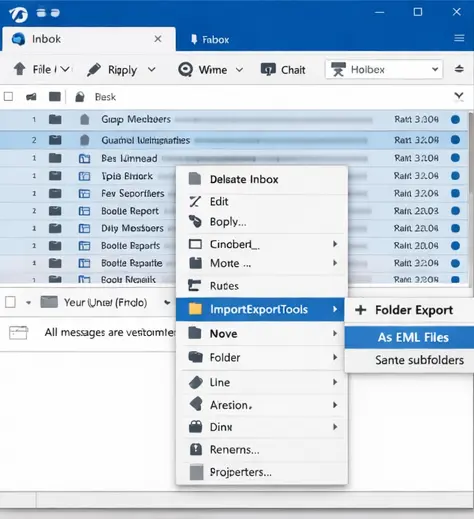
- Now select the emails from the mailbox that you want to export and press Right-Click.
- Click Import/Export Tools > Folder Export > As EML files > Include subfolders.
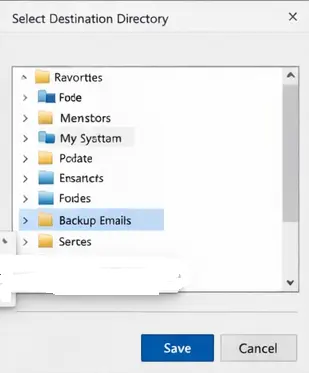
- Choose the destination to save your emails to EML format. Click Save.
- Open Outlook and drag the EML file to Outlook.
- Drop the EML file into the folder where you want to save it.
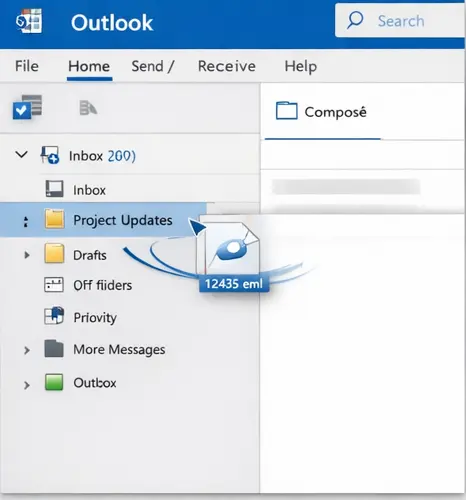
- Now the EML mails are accessible in Outlook.
Method 2: EML to PST Conversion Using Windows Live Mail
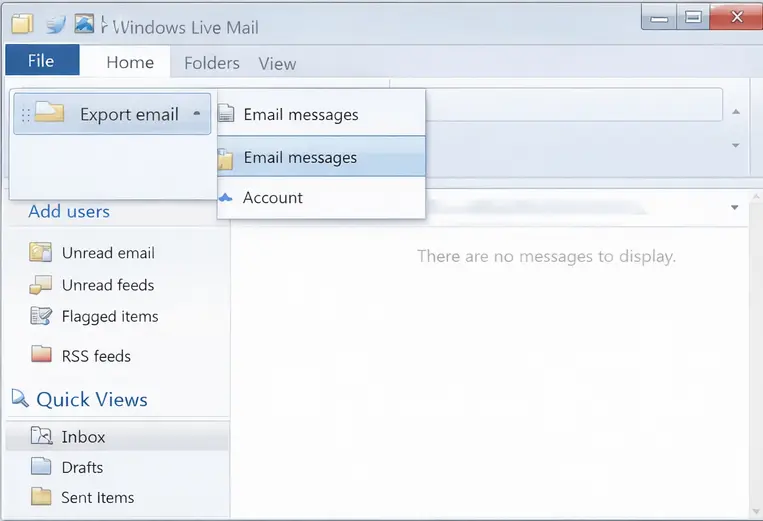
- Open Windows Live Mail & click on File > Export Email, select Email messages.
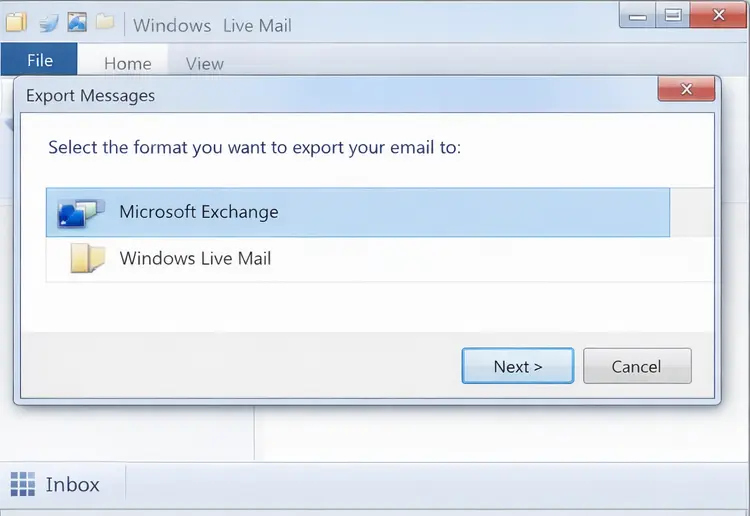
- Select Microsoft Exchange as the export option and click Next.
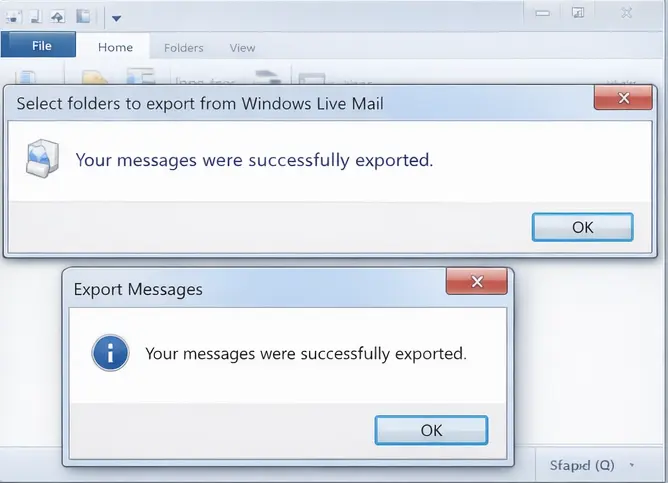
- A confirmation message will be displayed on the screen. Click Ok.
- Select the folders you want to export.
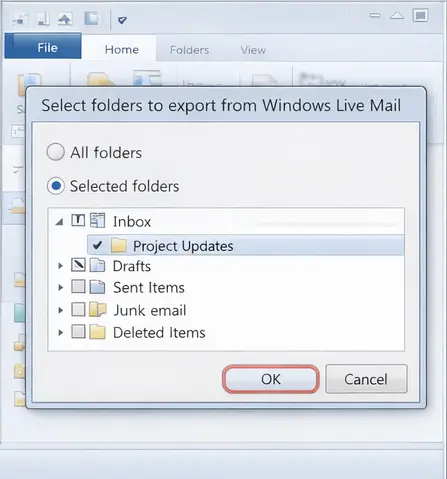
- Click Ok to finish the process.
Note: Windows Live Mail support has been officially discontinued by Microsoft. As a result, users might find difficulties converting EML to PST with this method.
Alternative Solution to Convert EML to PST Automatically
If you want to convert multiple EML files into PST at once without any hassle, try out the BLR EML Converter Tool. With this software, it is easy to complete the EML to PST conversion with complete data without affecting data integrity and email attributes. Using this tool, you can also migrate your EML files to various webmail accounts. For more details, you can use the demo version of the software.

Conclusion
The above guide provides a step-by-step guide to perform EML to PST conversion. We have discussed two methods using Thunderbird and Windows Live Mail. The user can choose the manual conversion according to their requirement.