

Read time: 5 Min
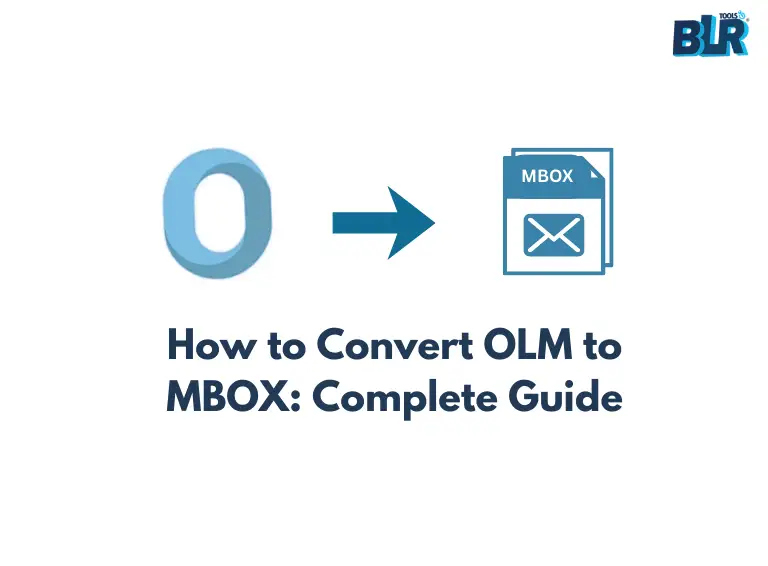
The Outlook OST (Offline Storage Table) file stores a copy of the mailbox data, including emails, contacts, attachments, calendars, notes, etc. It enables users to access their data even when a connection to Exchange Server is unavailable. However, this OST file is supported in the Outlook environment only and can be accessed only with the original Outlook profile. In order to access Outlook emails in Thunderbird, Apple Mail, Eudora, PocoMail, or any other email client that uses MBOX format, we need to convert OST to MBOX format.
Importance of OST to MBOX Conversion
Converting OST file to MBOX format has many advantages, as the MBOX file is accessible with many email clients like Thunderbird, Apple Mail, Eudora, PocoMai, etc. Some significant reasons to convert the OST emails into MBOX format are:
- If you are migrating away from MS Outlook to Apple Mail, Thunderbird, or any other email client that supports MBOX.
- OST file is linked to a specific Outlook profile, so we can’t access it individually without the original Outlook profile.
- MBOX files can be accessed with multiple email clients, while the OST file can be accessed in Outlook only.
- Large OST files are more prone to corruption; thus, saving them to MBOX is useful for backup and long-term email archiving
Here are the some major reasons for the OST to MBOX conversion, now let’s talk about the process. Since an OST file can be accessed only through Outlook, it must be converted to another format that is compatible with the target email client. To complete this task, we have outlined a manual method along with a professional utility. Let’s begin with the step-by-step conversion process for each approach.
How to Convert OST to MBOX Manually?
First of all, you must have Mozilla Thunderbird and MS Outlook installed on your system before starting the conversion process. If not, then install then and follow the steps mentioned below:
- Open Thunderbird and Click on the Menu.
- Now, Click Tools >> Import.
- You will see various options. Choose Import from Outlook and click Continue.
- Select the data you want to import(Account & Settings, Calendars, Mails, Address Book).
- Now, click on the Start Import button.
- Again, Click on Menu.
- Go to Add-ons and Themes.
- Now search Import/Export NG Tools and add it to Thunderbird.
- Right-click on the Folder you want to convert.
- Select Import/Export NG Tools and click on folder export(MBOX).
- Select As MBOX file or a single zipped MBOX file as required.
- Choose the location where you want to save the converted file.
Automated Approach to Convert OST to MBOX File
The procedure of migrating MS Outlook OST to MBOX can be complicated, in particular when working with a damaged or inaccessible OST file. Automating this process of converting OST to MBOX provides an easy and effective solution to this process, which avoids all the difficult manual processes and the probability of losing data.
For migrating Outlook emails to MBOX, we can use the tool, BLR OST to PST converter. With this ost converter software, one can quickly convert OST file into MBOX format that can be accessed easily. This tool eases the entire process, right from the layout to the point that even the technically illiterate can do migration on the tool effortlessly.

Through this tool, one can be sure that all email files, attachments, folders, and metadata of the email are being transferred properly with the folder structure. Even with many OST file, one can enable bulk migration and, in turn, perform the conversion on many files at once.
Final Verdict
This blog explains that there are various advantages of using MBOX, including the ability to store an OST file as a backup. Moreover, we also explained the traditional method of converting OST to MBOX. However, it had a few issues and was not quite direct. So, if you are looking for something simple and effective, it is highly recommended to choose software that has been recommended by experts.